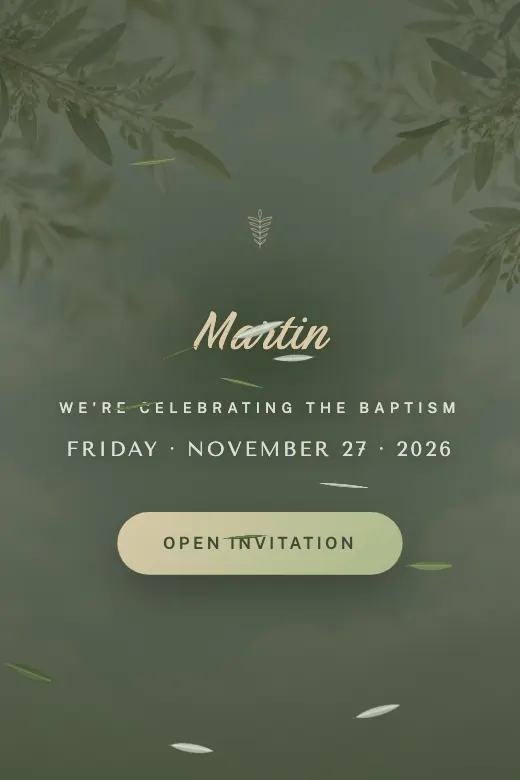
Cloud and Olive
Serene and sacred · olive branch, soft green, and cream
Home›Digital Invitations›Baby showers
The baby shower is where family and close friends celebrate the baby on the way, and the invitation sets the tone from the very first message. Pick a ready-made design and build your baby shower invitation in the editor, or request a custom one with your own photos and colors.
Four ready-to-use styles: Cloud & Olive, Watercolor Clouds, Nautical Sailor and Pink or Blue. Each one personalizes with bump photos, the baby's name and the gift list.
Serene and sacred · olive branch, soft green, and cream
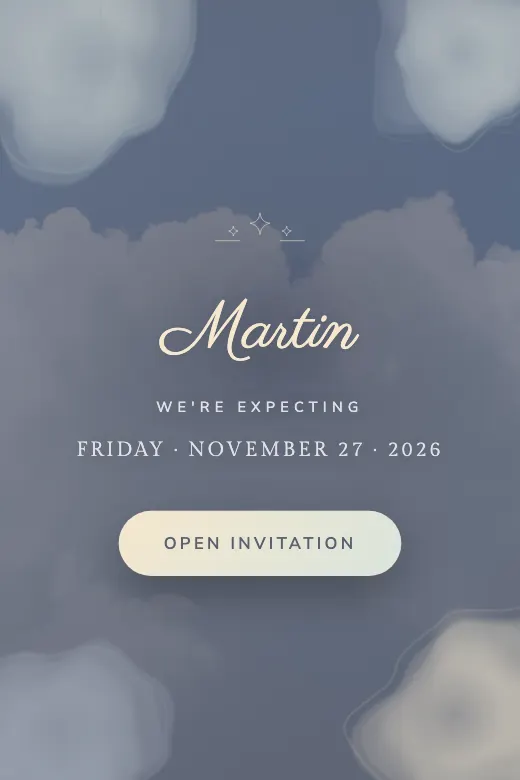
Baby shower · soft watercolor in cotton-candy tones
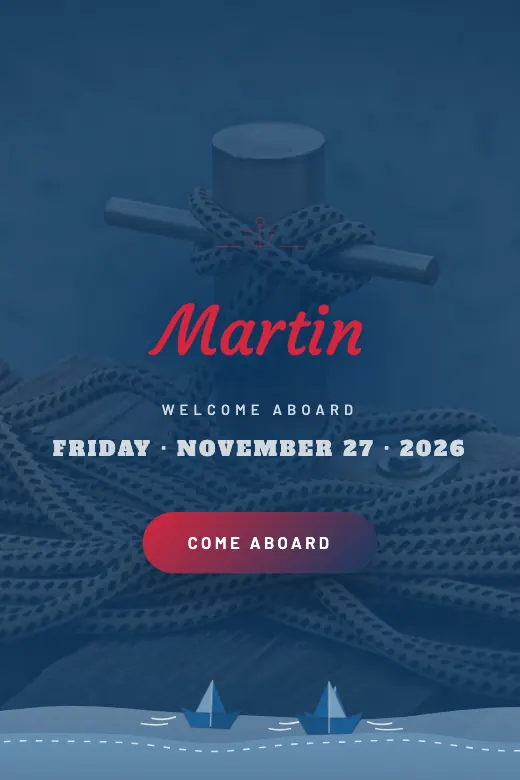
Classic sailor · navy blue, anchor, and stripes
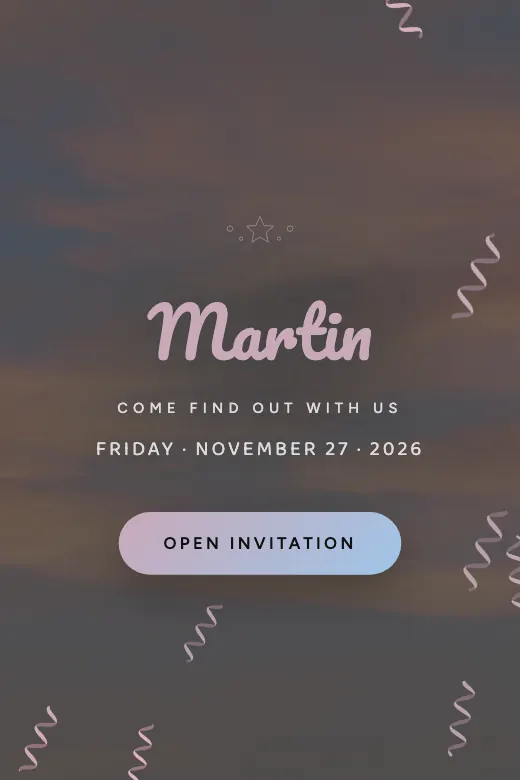
Gender reveal · balloons, confetti, and the big question
We design it for your party, with your photos and your song. Ready in 24 business hours, and you pay once you approve it.
The first question a baby shower invitation answers isn't the color scheme — it's who's organizing everything. Usually it's the mom, a sister, or a close friend, and that name matters because that's where RSVPs need to land. In a digital baby shower invitation, that WhatsApp number is set up from the start, so there's no confusion about who guests should message.
Then come the basics: date, time and venue. If the party is at the community clubhouse, grandma's patio, or a restaurant, that location needs its own map with a button to Google Maps or Waze, because nobody should have to ask "wait, where is that again?" on the day of.
Putting a gift list on a printed baby shower card almost always feels forced. On a digital invitation, it's different — it's just another informational section, as low-key as the map or the time, where you write down what the mom actually needs: size 1 diapers, 3-to-6-month clothes, or a link to a registry if you've already set one up. Each guest reads it at their own pace and decides what to bring, without anyone having to ask out loud.
On timing: three to four weeks ahead usually works well for a baby shower, since you're often coordinating several people's schedules — aunts, cousins, coworkers — and some may be signing up to bring food or run games. Sending it over WhatsApp with that much lead time gives the host plenty of time to know how many chairs to arrange.
The usual method — a group chat with twenty or thirty guests, voice notes, stickers, and nobody actually confirming — gets solved with one button. Each guest taps "RSVP," types their name and how many people are coming, and that message lands directly in the host's WhatsApp, with name and headcount. She replies once if she wants to, and already knows how many desserts or how many seats she needs.
For the design, there are two paths. Express, from $15, is one you build yourself in the editor on one of the four available designs, watching it update live, and it publishes at your own link the moment you pay. PRO, for $59, is designed by hand with your photos, your colors and even the song you'd like to use, ready in 24 business hours with two rounds of revisions before you pay.
If the sister is organizing and not the mom, that should be the WhatsApp number set up in the invitation. It keeps RSVPs from landing with the wrong person and getting lost in other chats.
"Anything works" doesn't help anyone. Diapers in a specific size, 3-to-6-month clothes, or a link to a registry keeps you from ending up with five identical stuffed animals and zero diapers.
Nothing worse than sending the invitation with the venue address and finding out it's already booked. Confirm the reservation first, send the invitation second.
An aunt in another state or a friend abroad wants to be part of it too. A video-call button right next to the venue map includes them without building two separate invitations.
Pick one of the four designs and build yours in minutes, or message us on WhatsApp for a custom version.