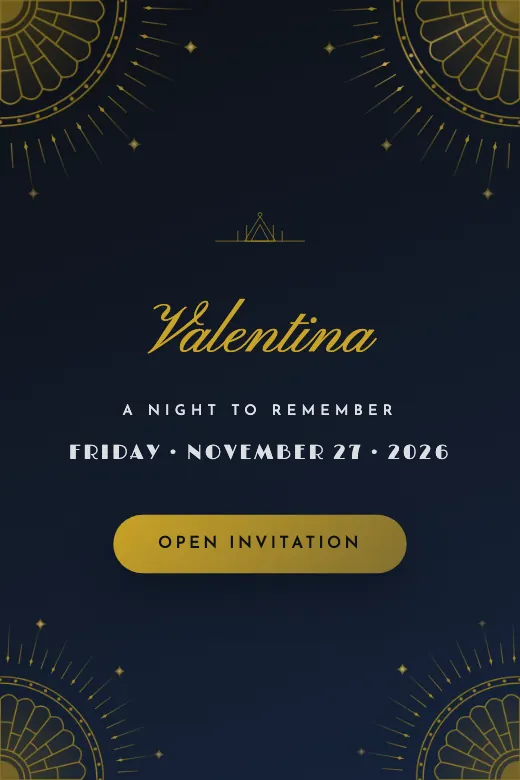
Golden Gatsby
Quinceañera. Art deco · black and gold, fans and 1920s geometry
Home›Digital Invitations›Free
Pick a design, add your details, and publish it in minutes. Your guests open it from WhatsApp, see the map and the countdown, and RSVP with one tap. No card, nothing to download.
For quinceañeras, weddings, baby showers, baptisms, kids' birthdays and graduations. Tap "Preview" to see it exactly as your guests will.
Quinceañera. Art deco · black and gold, fans and 1920s geometry
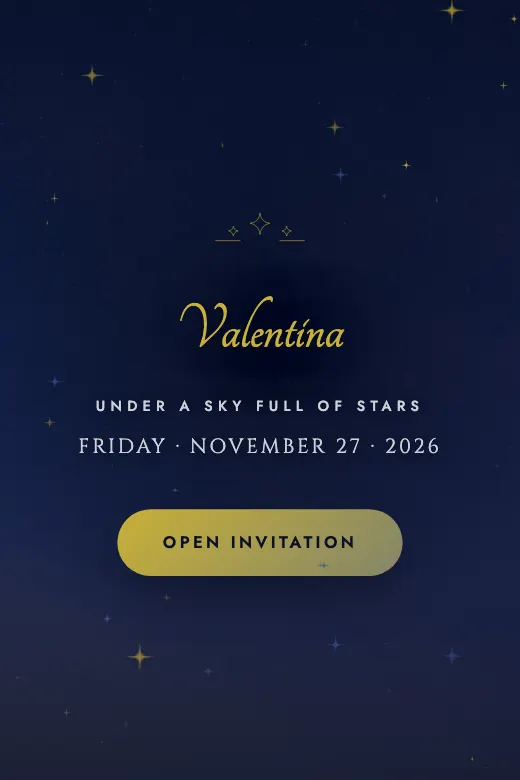
Quinceañera. Celestial · midnight blue, constellations, and stardust
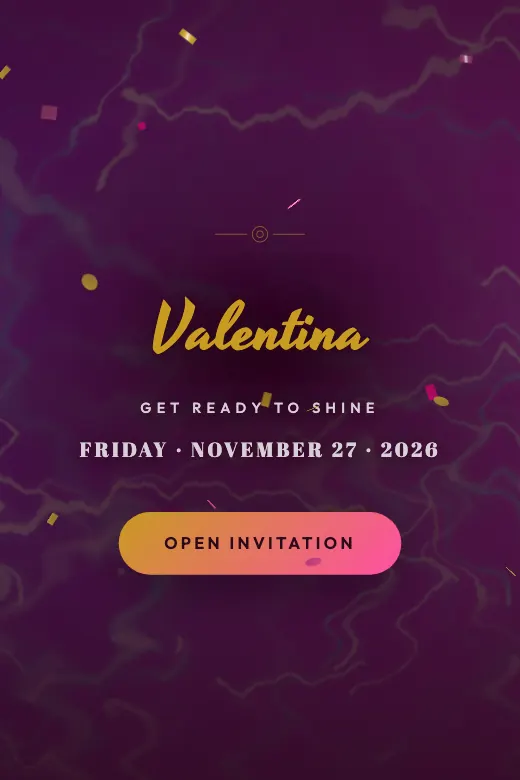
Quinceañera. Bold fuchsia and gold · sparkle, glamour, and attitude
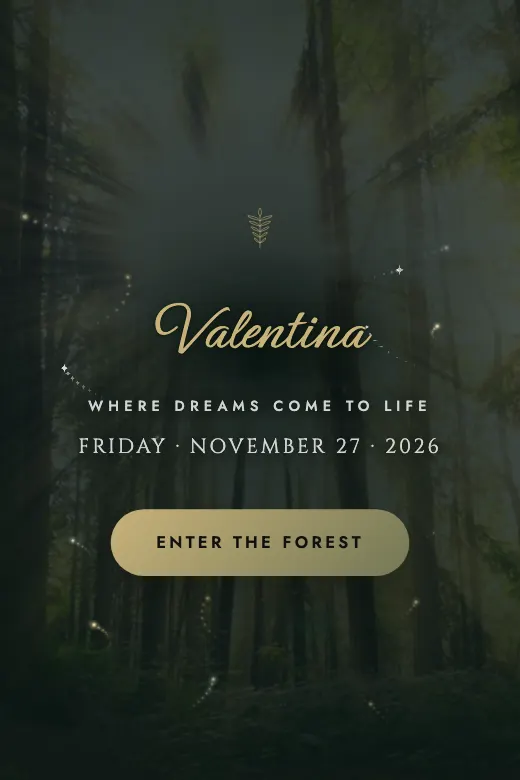
Quinceañera. Deep green and gold · foliage, warm lights, and fireflies
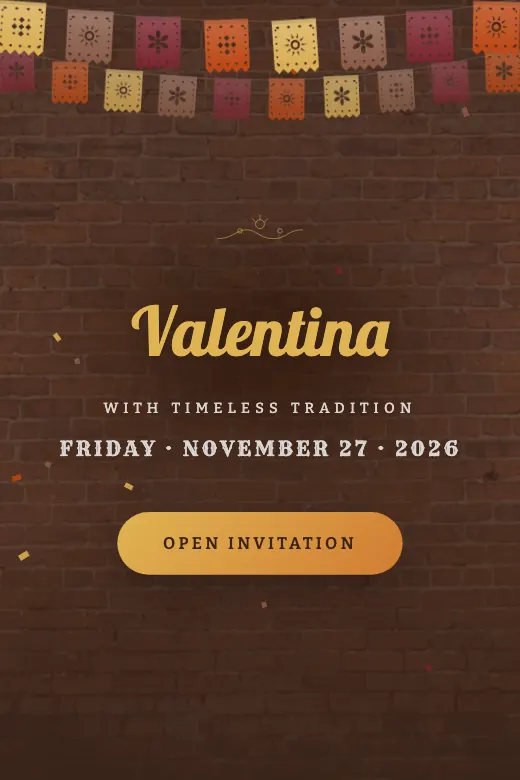
Quinceañera. Traditional Mexican · wine red, terracotta, and charro embroidery
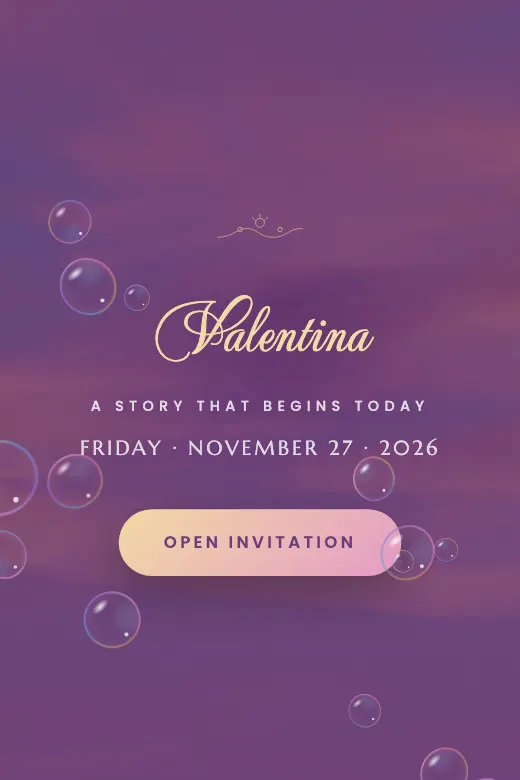
Quinceañera. Fairy tale · pink, lilac, and a golden crown
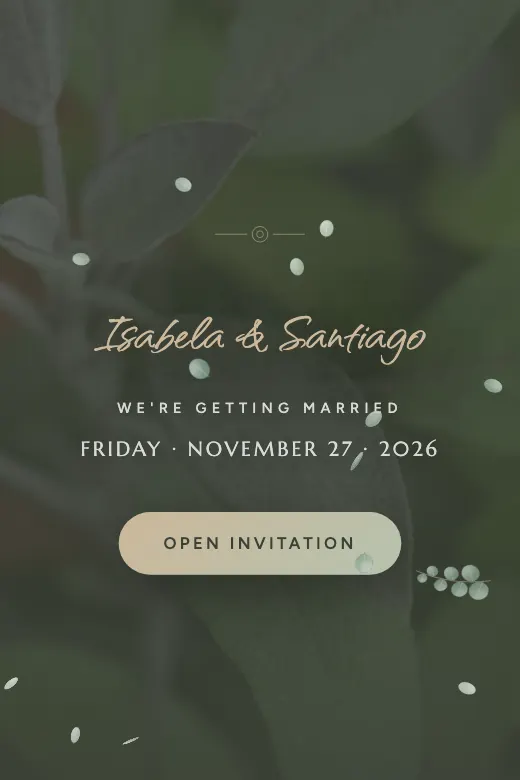
Wedding. Modern minimalist · sage green, arches, and airy simplicity
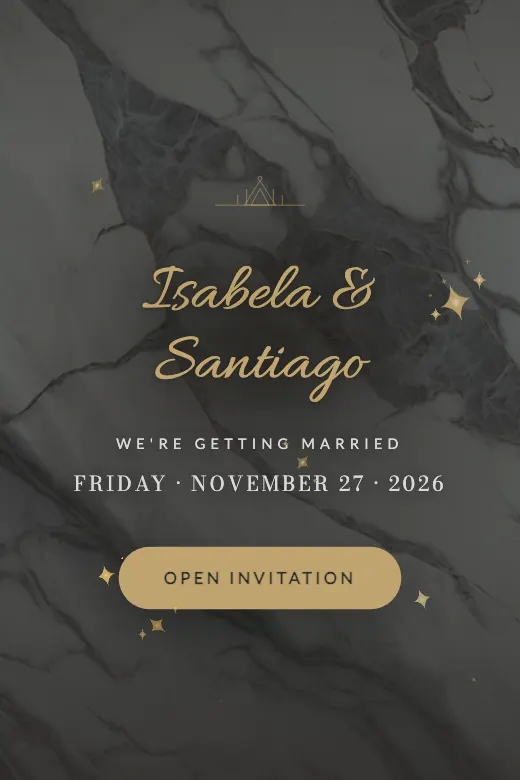
Wedding. Classic elegance · Carrara marble with gold trim
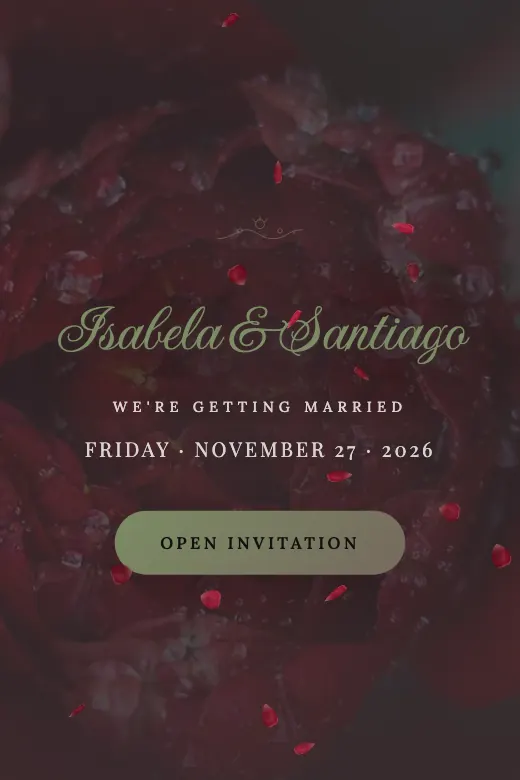
Wedding. Antique botanical print · deep red roses and herbal green
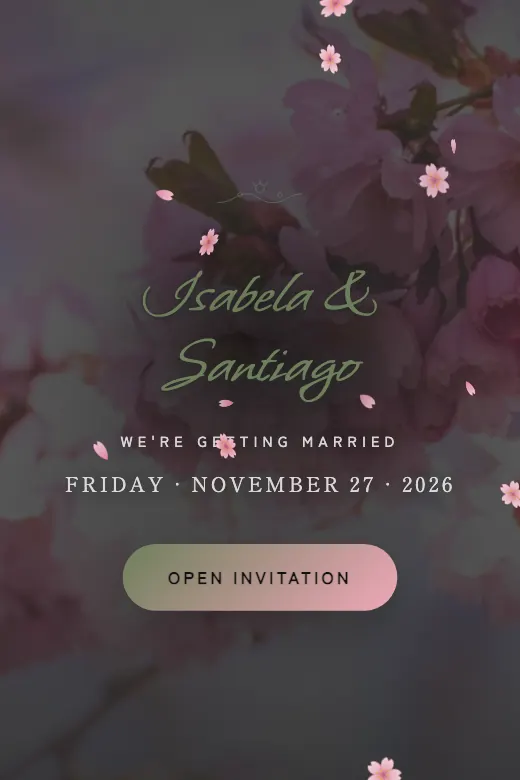
Wedding. Japanese garden · cherry blossoms, pale pink, and ink
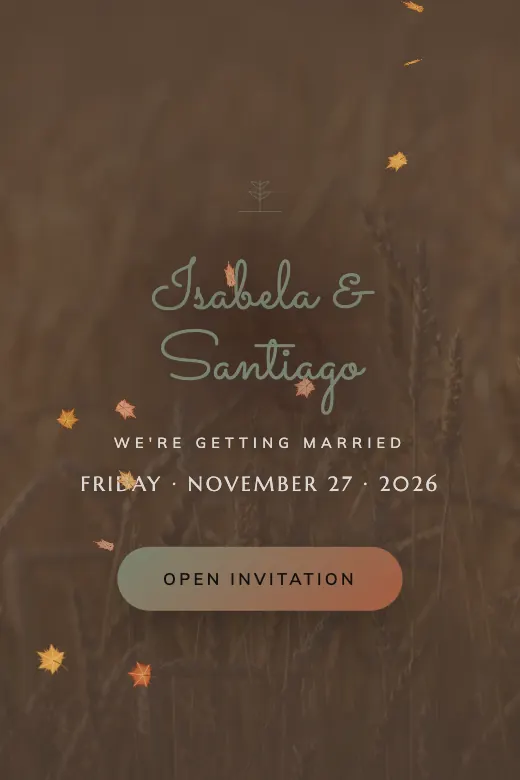
Wedding. Warm boho · pampas grass, clay, and dried flowers
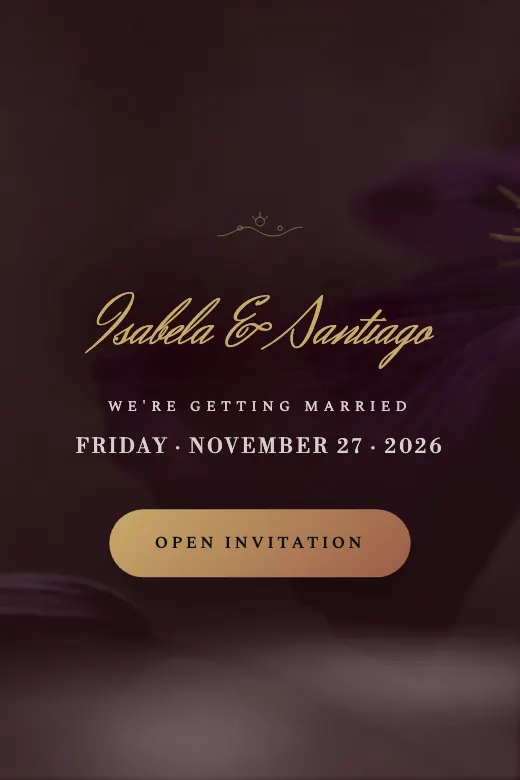
Wedding. Moody chic · black background, wine-red roses, and antique gold
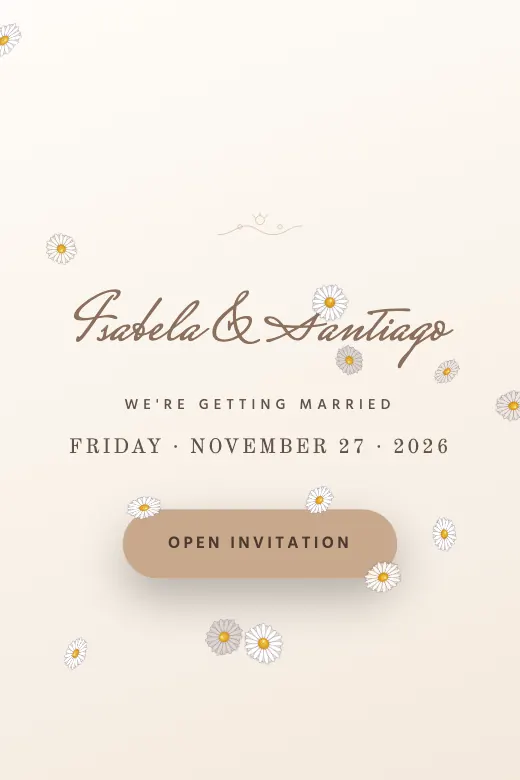
Wedding. Delicate handmade · openwork lace and cream tones
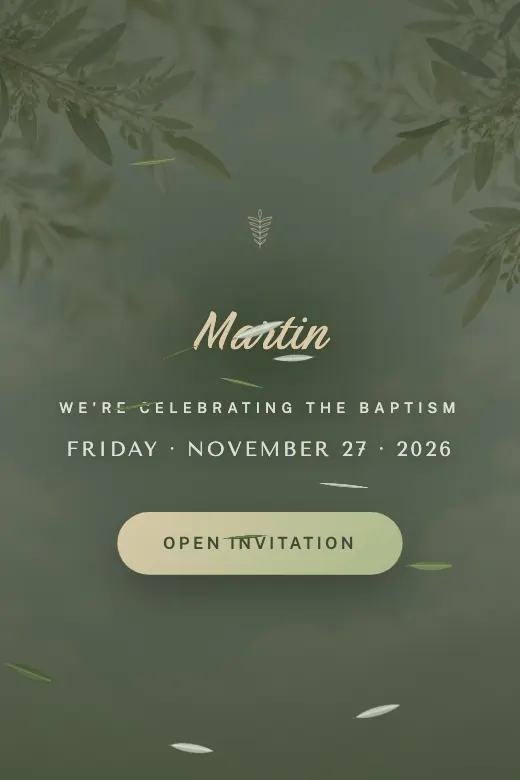
Baby. Serene and sacred · olive branch, soft green, and cream
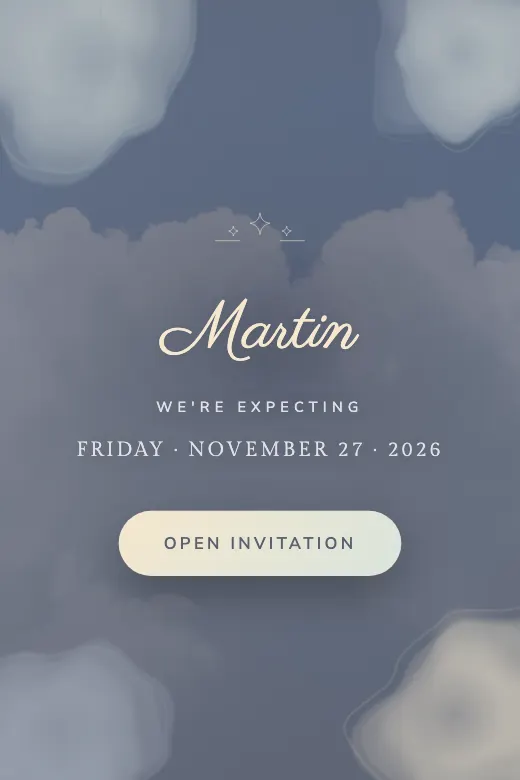
Baby. Baby shower · soft watercolor in cotton-candy tones
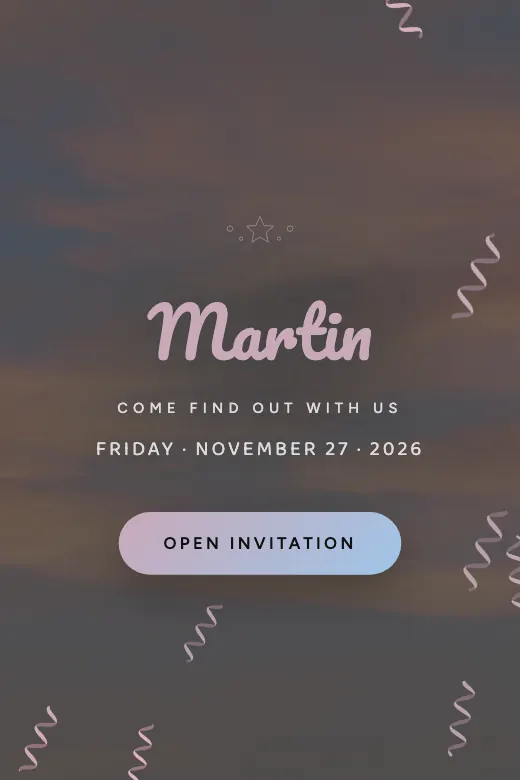
Baby. Gender reveal · balloons, confetti, and the big question
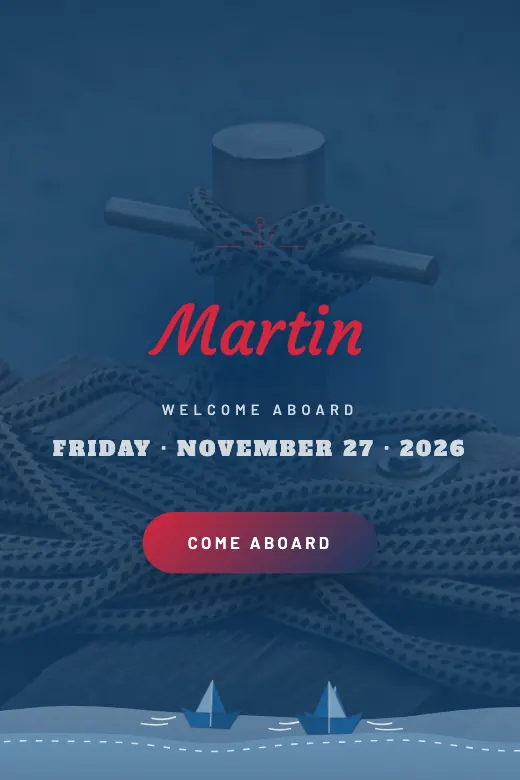
Baby. Classic sailor · navy blue, anchor, and stripes
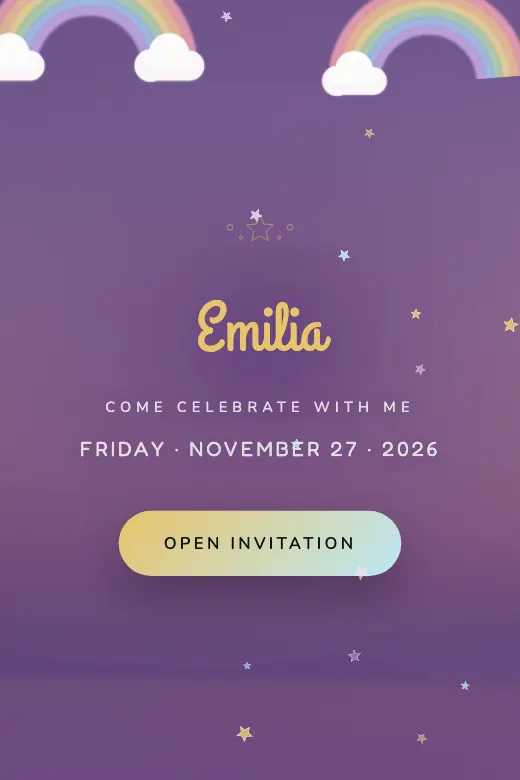
Kids' birthday. Magical kids' theme · pastel rainbow, clouds, and a golden horn
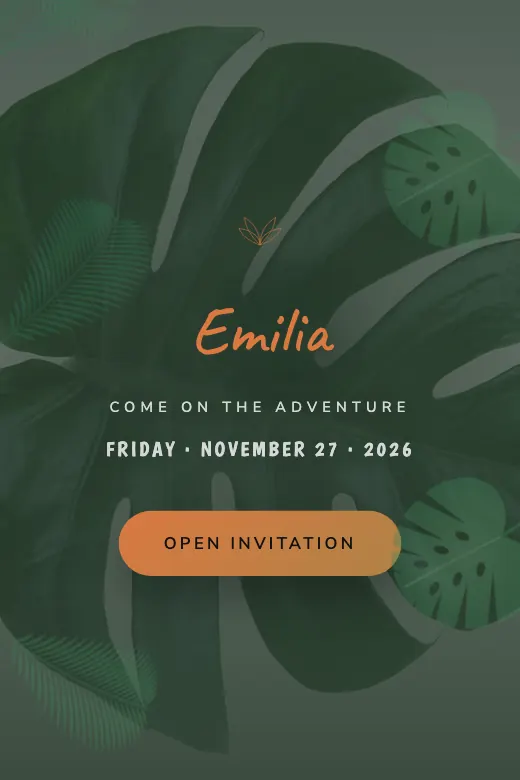
Kids' birthday. Kids' safari theme · watercolor animals and monstera leaves
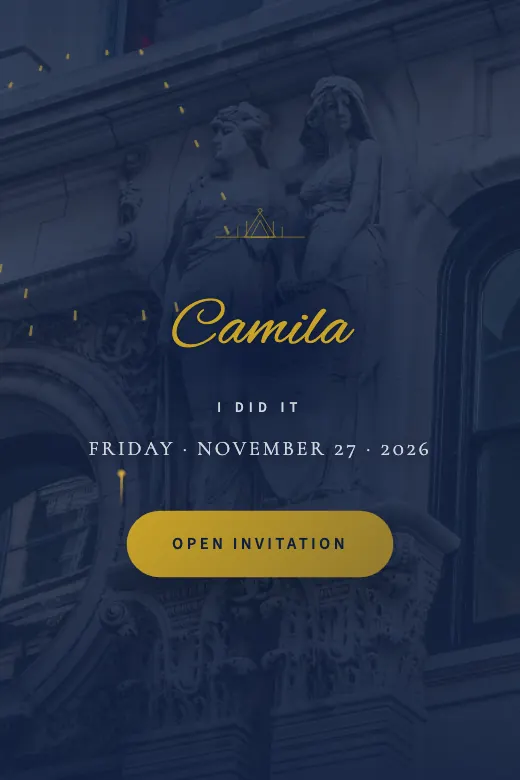
Graduation. Graduation · university blue, laurel, and gold
Open one of the free designs and watch the live preview update as you type.
Name, date, time, venue and your WhatsApp to receive RSVPs. Add photos and the schedule if you'd like.
Tap "Publish for free" on the last step and copy your link to send it on WhatsApp.
| Free$0 | Express$15 | PRO$59 | |
|---|---|---|---|
| WhatsApp RSVP | |||
| Countdown, map & schedule | |||
| Your own photos | |||
| Designs | 20 basic | All, including themed | Hand-built for you |
| Music | Your song | ||
| Guest list with seat counts | |||
| No InvitaciónYa branding | |||
| Who builds it | You | You | Us, in 24 business hours |
If you start free and later want music or to remove the watermark, just upgrade to Express on the same link.
Pick a design, add your details, and share it on WhatsApp.