Digital invitations
Digital invitations that are a page of their own for your event, not a picture that gets lost in the group chat: countdown, music, map and RSVP straight to your WhatsApp. Build it yourself from your phone and preview it free; then you pay $15 only if you publish it. Or leave it in our hands for $59.
Digital invitations for every celebration
Each occasion has its own page, because the details that matter for a baptism are not the ones for a Sweet 16.
Turning sixteen instead of fifteen? The same designs live on the Sweet 16 invitations page. Guests flying in? Then send a digital save the date first.
Three ways, one happy ending
$15 or $59 PRO
Free with a basic design. Express, you build it yourself in minutes. PRO, we design it by hand in 24 business hours.
- WhatsApp RSVP on every version, free included
- Countdown, map and your own link that never expires
- Music and a guest dashboard with Express
- QR code for printed cards or the welcome table with PRO
What digital invitations are and how they differ from a picture
A digital invitation is a web page with its own link that takes the place of the printed card. You share the link by WhatsApp, text or email; when your guests open it on their phone, they see the date, the venue with a map, a live countdown and a button to RSVP. Some people call it an online invitation or an e-invitation, but the idea is the same.
The big difference from a picture is that a page can be corrected. If the time changes, you change it once and the same link shows the new time to everyone, while a JPG has to be sent again and someone always keeps the old one. Compared with a paper card, there is nothing to print, mail or hand out, and nobody loses it, because it stays in the chat.
At InvitaciónYa (invitacionya.com), every invitation lives at an address like invitacionya.com/i/xv-valentina, and that is the link you send. Many designs open with an animation (an envelope, a curtain, a boarding pass, a carriage) and then play music. Your guests tap the map, watch the countdown and confirm with one tap instead of typing you a message.
Online invitations or digital invitations: the same thing
Online invitations and digital invitations are two names for the same idea, and people search for both about as often. What matters is not the name but what the link does once your guests open it: if it only shows a picture, it is a picture sent online. Ours are pages, so the online invitation keeps working after you send it. You can fix the time, add the second address, or turn on the guest list, and everyone who already has the link sees the change.
If the main thing you need is to know who is coming, start with online invitations with RSVP. If you want the invitation to open with an envelope or a curtain, see the interactive invitations. And if you came here from Evite, there is a page that compares both side by side: Evite alternative.
How digital invitations work, step by step
From choosing a design to sending it on WhatsApp there are four steps, and you can do all of them from your phone in one sitting.
- Pick a designThere are more than 120 designs, sorted by occasion: quinceañera, wedding, birthday, baptism, baby shower, graduation and more. 20 of them publish free.
- Fill it in from your phoneNames, date, time, venue, photos and your WhatsApp number, while the invitation updates as you type. When you open a design we ask for your email, where we send your invitation; before you pay or publish, you confirm it with a 6-digit code. No account to create and nothing to install, and your draft saves itself so you can pick it up another day with its code.
- Preview it finished, then decideYou see the whole invitation before paying anything. With a free design you publish it at no cost, with our small mark at the bottom; with Express you pay once, by card or PayPal, only when you publish.
- Send the linkShare it on WhatsApp, by text message or by email. Guests tap it, the invitation opens in their phone's browser without downloading anything, and they RSVP with one tap, so their answers reach your WhatsApp or your guest dashboard.
A common mistake: writing only the time of the Mass. If the reception starts two hours later at another address, put both, each with its own map; otherwise half the family shows up late to the party. And if you'd rather have us build it, the made-to-order PRO is requested on WhatsApp and ready in 24 business hours.
What's included in digital invitations from InvitaciónYa
This is what makes the invitation useful for you and easy for your guests. A few things depend on the version you pick, so we say so in each one.
- RSVP button. Guests confirm inside the invitation, with a deadline if you set one. In the free version the button opens WhatsApp with the message ready.
- Guest dashboard. With Express you see who confirmed, their seats and how many times they opened it, and you download the list for Excel.
- Music. The design's song or your own from YouTube, playing when it opens. In the free version, with the Music upgrade.
- Made for WhatsApp. It arrives as a link that opens in the phone's browser, and it also works by text, email or Facebook.
- Live countdown. Days, hours and minutes to the event, running in real time.
- Map. The address with a button that opens Google Maps, so nobody ends up at the wrong hall.
- Photos. The cover photo and a gallery of up to 4 photos.
- Schedule, dress code and gifts. The moments of the party with their times, the dress code and a note about gifts. In the free version the schedule comes with the quinceañera designs.
- A link that never expires. After the party it stays online as a keepsake.
- QR code, with PRO. To print on a few cards for the grandparents or show at the entrance.
Free, Express or PRO: which digital invitations fit your party
All three do the basics: your guests know when and where, and then they RSVP. What changes is who builds it, what it includes and when you pay. You pay once per invitation, so there is no monthly fee and no charge per guest.
| What changes | Free | Express | PRO, made to order |
|---|---|---|---|
| Who builds it | You, in the editor | You, in the editor | Our team |
| Designs | 20 basic designs | All of them (more than 120) | The one you ask for |
| InvitaciónYa mark | Yes, at the bottom | No | No |
| Music | With the Music upgrade | Yes | Yes, your song |
| RSVP | Opens WhatsApp | In the invitation and your dashboard | By WhatsApp |
| Photos | Cover and a 4-photo gallery | Cover and a 4-photo gallery | Yours |
| QR code | No | No | Yes |
| Changes after publishing | You make them | You make them | 2 rounds of changes |
| When you pay | Never | When you publish | When you approve it |
| Price | $0 | $15 | $59 |
If the free version only lacks music or the dashboard, you don't have to jump to Express. Instead, there are single upgrades, Music and Guest RSVPs, at $3 each, and what you pay for them is deducted if you upgrade to Express later. To start without paying, see the free designs you can publish today.
Digital invitations for families in the U.S. with guests back home
Many quinceañeras and weddings here have half the guest list in another country: the abuelos in Guadalajara, the padrinos in Bogotá, the cousins in San Salvador. A link doesn't care where it's opened. The invitation looks the same in Houston and in Guadalajara, there's nothing to install or pay on their end, and WhatsApp is the app most relatives in Latin America already use every day. For guests here who don't use it, send the same link by text or email instead.
You can build the invitation in English or in Spanish. The buttons and labels your guests see (the RSVP, the countdown, the map) follow the language you choose in the editor, while what you write in the text fields is up to you, so a line in Spanish for the grandparents fits without any trouble. Payment works from the U.S. by card or PayPal, and the RSVPs reach your phone no matter which country they answer from.
This is the kind of message that goes with the link:
If relatives need to book flights, a save the date sent months ahead gives them time, and the full invitation can follow later with the final details.
Digital invitations vs. a picture, a Canva template or printed cards
No single option is right for every family, so here is what each one gains and loses, without tilting the table in our favor.
Digital invitations with their own link
For: you correct it without resending, guests RSVP with a button, it brings the map, the music and the countdown, and it reaches another country in seconds.
Against: it needs an internet connection to open, and it isn't something you keep in a drawer.
A picture in the group chat
For: it's quick to make, and everyone sees it the moment it lands.
Against: if a detail changes you send another one, it loses quality each time someone forwards it, the address has to be copied by hand, and to RSVP each guest has to write you separately.
A Canva template
For: total design freedom, and you may already know the tool.
Against: you almost always end up sending an image or a PDF, with the same limits as the picture, and adjusting a template takes time unless you know the tool well.
A printed card
For: it's a keepsake that many families value, especially the grandparents and the padrinos.
Against: you pay per card, someone has to deliver or mail them (abroad, that takes weeks), and it doesn't RSVP by itself, so the week before you're still making calls.
A common middle ground: a few printed cards for the elders and the link for everyone else. With PRO, the QR code then ties the two together.
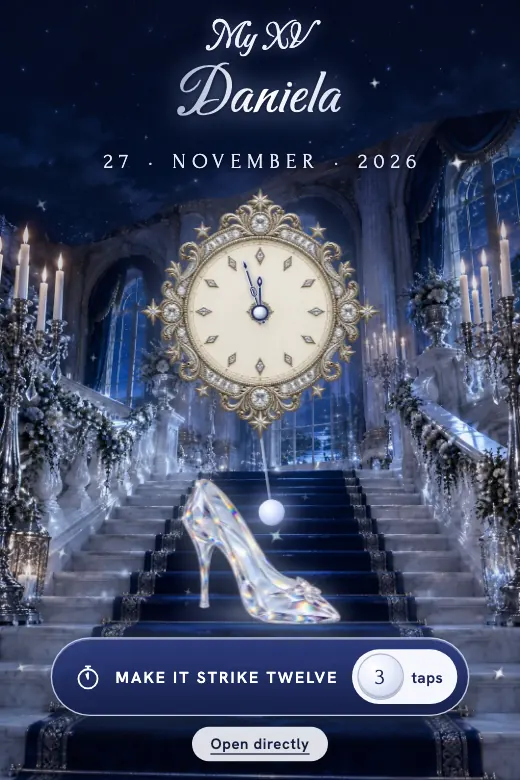
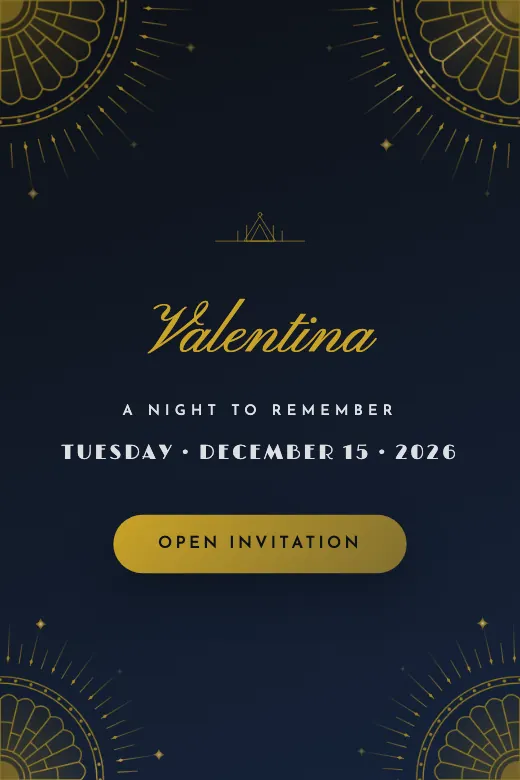
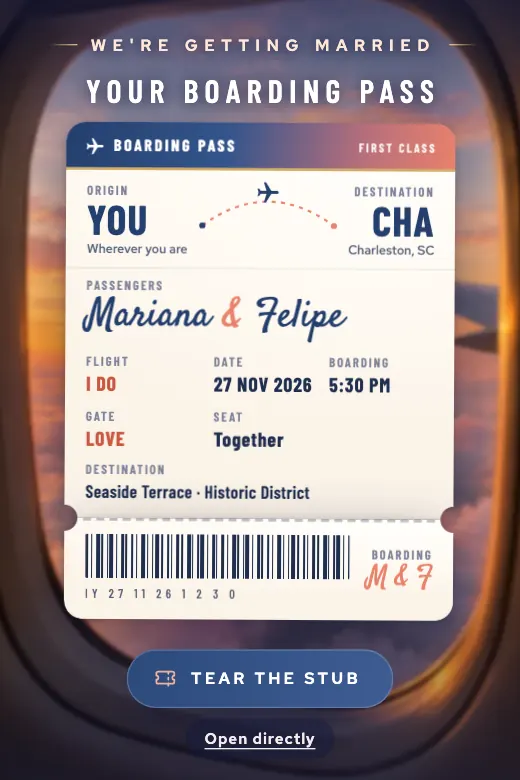
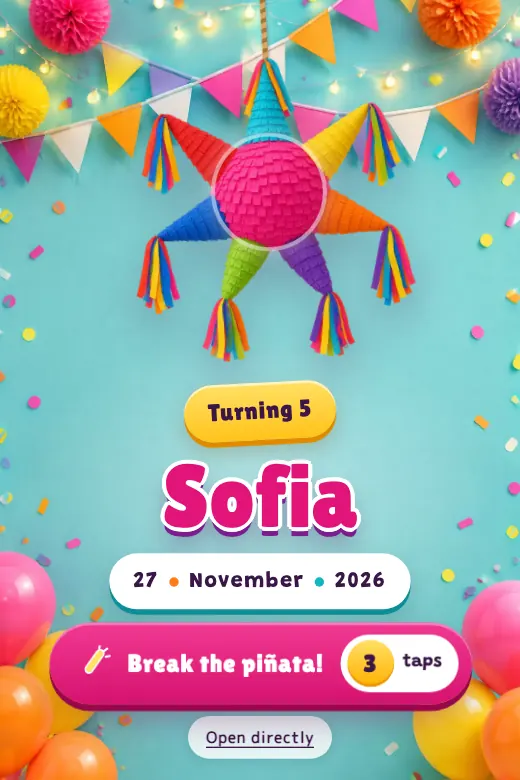
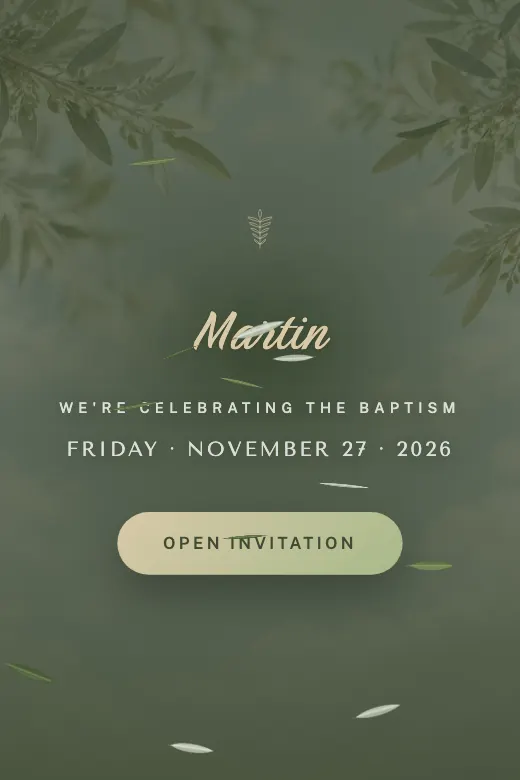
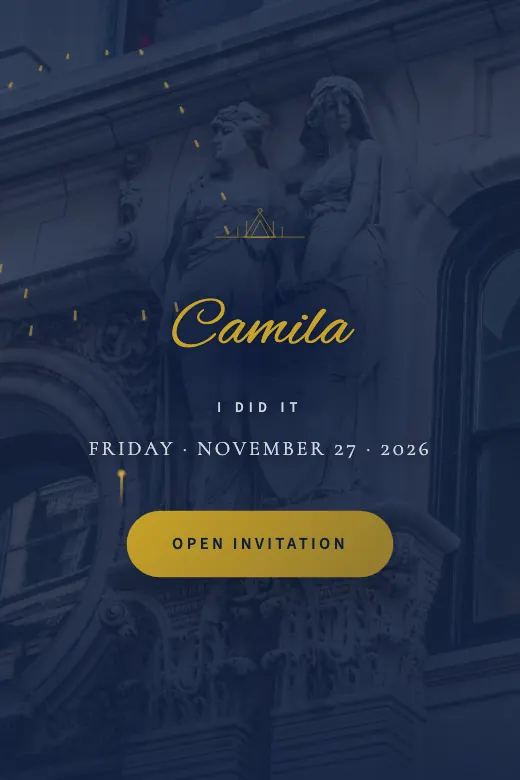
Six designs to start with
One from each occasion, so you can see the style. Tap one to see every design for that celebration, with a live preview.
Pick your occasion and keep going
Each of these pages has its own designs, prices and questions, so start with the one that matches your event.
- Quinceañera invitationsHer photos, the waltz and the schedule of the night, with RSVPs straight to her parents' WhatsApp.
- Sweet 16 invitationsThe quinceañera designs shown as Sweet 16: the title, the link and the confirmation message say Sweet 16.
- Digital wedding invitationsTheir story in photos, maps for the ceremony and the reception, dress code and a note about gifts.
- Video wedding invitationsDesigns that open with a real video, a curtain or a garden gate, and then play your song.
- Digital birthday invitationsThemed kids' parties, adult birthdays or surprises, with RSVPs that show how many kids and adults are coming.
- Baptism invitationsBaby photos, a section for the godparents and two maps: the church and the celebration.
- The free designsThe 20 basic designs you can publish today without paying.
- Digital save the dateFor guests who need to book flights or ask for days off before the invitation is ready.
- Online invitations with RSVPEach family gets its own link with its seats, and you see who is coming in a guest dashboard.
- E-invitationsHow to send them by text, email or WhatsApp, what to write with the link, and when to send them.
- Virtual invitationsOne link for guests in two countries: virtual wedding and birthday invitations without paper.
Questions about digital invitations
Sending and opening digital invitations
How do my guests receive digital invitations?
Can my grandparents open it without WhatsApp?
Does it work on iPhone and Android?
Can I make it in Spanish?
Paying from the U.S. and the free version
How do I pay from the U.S.?
What's the difference between Express and PRO?
Is there really a free version?
Before and after you send it
How far in advance should I send a quinceañera or wedding invitation?
Can I change the date or the venue after sending it?
Does the invitation expire?
Can I start today and finish another day?
Can I see who's coming?
Your date already has an invitation
Pick a design, add your details, and see it finished before you pay. Prefer we build it for you? Then message us, and it's ready in 24 business hours.